Smart Solar and Battery Monitoring
While smart solar and battery monitoring shows what your system generates, stores, uses and exports, the numbers need explaining. We match you with an MCS-certified installer who can set it up and talk you through them.
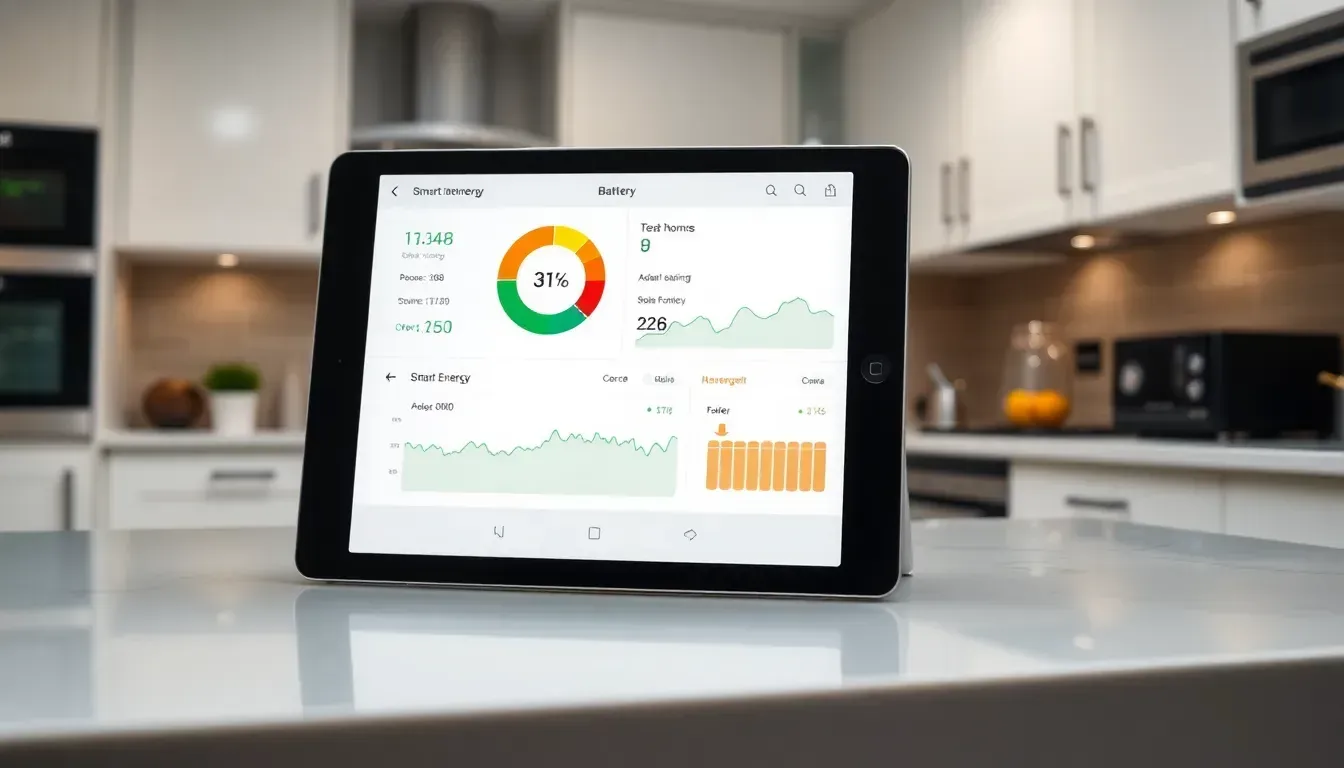
Although a roof system works in silence, smart solar and battery monitoring makes it readable. An app shows how much power the panels make and how full the battery is. It also shows what the house uses and what goes to the grid.
However, the numbers only help if you know what they mean. Therefore a good installer explains the screens at handover. You can then spot a fault early and use more power when it is free.
How monitoring works
Most solar inverters and home batteries report to an app over your home internet. Because of this, the app can draw charts of generation and use through the day. Some systems also show a running total over weeks and months.
While inverter apps focus on the solar system, other tools use a smart meter or a clamp on your supply cable. These can show whole-house use, including the kettle and the car. Your installer can tell you what your equipment measures.
Some apps also send alerts. For example, a message can tell you when the system stops generating or the battery is empty. Ask your installer which alerts are on by default and how to change them.
What you can see and how to read it
| Source | What it shows | Limits |
|---|---|---|
| Inverter app | Solar generation and often export | May not show use by appliance |
| Battery app | Charge level, charging and discharging | Covers only that brand of battery |
| Smart meter display | Import and export readings | Detail depends on your supplier's service |
| Separate energy monitor | Whole-house use over time | Needs fitting and a home network |
A mix of these gives the fullest picture. However, no single screen will always match your bill. Suppliers pay and charge using their own meter readings.
Therefore treat the app as a guide to trends. For example, use it to compare a sunny week with a dull one, or to see when the battery empties. Rely on your supplier's statements for the money.
Four figures cover most of what the app shows. Generation is what the panels make, while consumption is what the house uses. Export is what goes to the grid, and import is what you buy from it.
Because a battery fills from surplus solar, a full battery by early afternoon means the panels make more than the house uses. Surplus then goes to the grid, where a Smart Export Guarantee tariff may pay for it. An empty battery by evening is worth raising with your installer, since the size may not suit your use.
Compare like with like when you look at charts. For example, set a sunny day beside another sunny day, not beside a dull one. A drop in output may then point to a fault rather than the weather.
Why monitoring matters
Monitoring helps you catch problems quickly. For example, a sudden drop in output on a sunny day can point to a fault or shade. You can then call your installer instead of waiting for a bill.
It also shows you how to use your power better. For instance, you can run the washing machine when the panels are making plenty. Our guide to how home battery storage works shows how a battery changes that pattern.
Monitoring also builds a record. Specifically, a few months of charts show how your use changes with the seasons, which helps if you later add a battery. Our solar battery size calculator guide shows how use data helps you choose a system.
Who it suits
Monitoring suits anyone with solar panels, and it matters most when you add a battery. It also helps households on a smart tariff, since cheap windows reward careful timing. In October 2026, for example, Intelligent Octopus Go charged 7.6p per kWh overnight for eligible cars and chargers.
Households with an electric car can see a clear effect, because charging is a large load that is easy to time. Our EV charger installation page explains how a smart charger works with solar. However, the car needs to be home in the day or on a smart tariff for timing to help.
It suits some homes less well. If you rarely check an app, a simple display may be enough. Even so, the installer should make sure alerts reach you, because a silent fault costs you power.
Costs and what drives them
We found no reliable national price for monitoring, therefore we do not quote one. Many inverters and batteries come with an app, but terms vary. Ask the installer which features are included and which cost extra.
Costs change with the equipment because a separate whole-house monitor adds hardware and fitting. Premium app features may carry a subscription. Therefore ask before you sign.
Ask what happens if your internet drops. Some systems keep running but stop reporting, because the app needs a connection to update. Your installer can explain how yours behaves.
Rules and standards that apply
To claim Smart Export Guarantee payments, your system must be MCS-certified and you need a smart meter or another half-hourly export meter. Payment follows export meter readings, not your app. However, each supplier sets its own rate, and it must be above 0p.
Solar installations are certified under MIS 3002, and home batteries under MIS 3012. Electrical work also has to meet building regulations, and a registered installer normally handles the paperwork. However, rules differ in Scotland.
If you do not have a smart meter, ask your supplier about one, because payments rely on half-hourly export readings. Your installer can advise whether your current meter will work. Meanwhile the app stays useful for day-to-day checks.
What a good quote should list
Your quote should say which app comes with the system and what it shows. Specifically, it should explain whether the monitor reports export, battery state and use. It should also say how alerts reach you if a fault appears.
Ask who supports the app after install. For instance, find out whether the installer or the manufacturer handles log-in problems. Compare this across quotes alongside price and warranty, as in a solar and battery package in the UK.
How our matching works
Solar Base Energy is a free matching service, not an installer. Because of this, you tell us about your home on the short quote form and we pass it to an MCS-certified installer. There is no obligation to go ahead.
Homeowners in Manchester, Birmingham and Nottingham use the same form. Meanwhile, you can read about battery storage, smart tariff optimisation or EV charger installation to see what monitoring can track.
Sources
- GOV.UK: Smart Export Guarantee (checked 10 October 2026)
- Ofgem: Smart Export Guarantee (checked 10 October 2026)
- Octopus Energy: Intelligent Octopus Go (checked 10 October 2026)
- MCS: Information for consumers (checked 10 October 2026)
- GOV.UK: Electrical safety, Approved Document P (checked 10 October 2026)
Frequently asked questions
How do I monitor what my panels and battery produce? +
Most inverters and batteries come with an app that shows generation, battery charge and export. Your installer can set it up at handover, although you should ask what the app covers before you sign.
Will the app match my energy bill? +
Not always. Suppliers bill and pay using their own meter readings, therefore small differences can appear. The app is best for spotting trends and faults.
Do I need a smart meter? +
To claim Smart Export Guarantee payments you need a smart meter or another half-hourly export meter. Because the supplier pays on export readings, accuracy matters.
Does monitoring cost extra? +
Many systems come with an app, but premium features or separate monitors may cost more. Ask your installer what is included, since terms vary.
How do I get started? +
Complete our short quote form with details of your home. Once matched, an MCS-certified installer can talk you through monitoring options, while you stay free to decline.
Get a free battery storage quote
Tell us about your home and your current setup, and we'll match you with an MCS-certified installer. You get a free, no-obligation quote, and there are no phone calls because we reply by email.
Get Your Free Quote